If a work order that has already been put on hold or has been sent to the cashier screen needs to be deleted, a LubeSoft user with a security level of 5 or higher can delete it.
- Log into LubeSoft as a user with a security level of 5 or higher.
- Navigate to the Cashier Station, menus 1-1-3.
- Using the arrow keys, highlight the work order you need to delete and press [F9]. You’ll be prompted to enter an employee password:
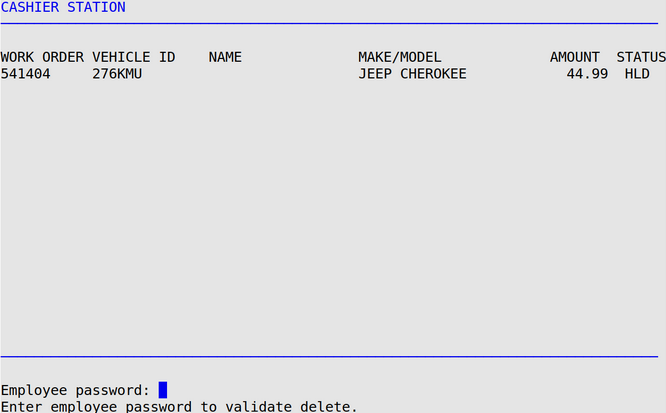
- After entering your employee password, you’ll be prompted for a reason.

- Pressing [Enter] will delete the work order. A record of the delete will be on reports such as the Revenue Reconciliation Report and the Invoice Exception Report.