| Note: | The boot process, which loads the operating system and prepares the computer for use, usually takes several seconds depending on your computer’s performance level. |
 |
In the event of an improper hard shutdown, all of the data files in your system are re-indexed during startup to maintain file integrity. Depending on the amount of information in your system, this could take several minutes. You will receive a login prompt after the re-indexing process is complete. |
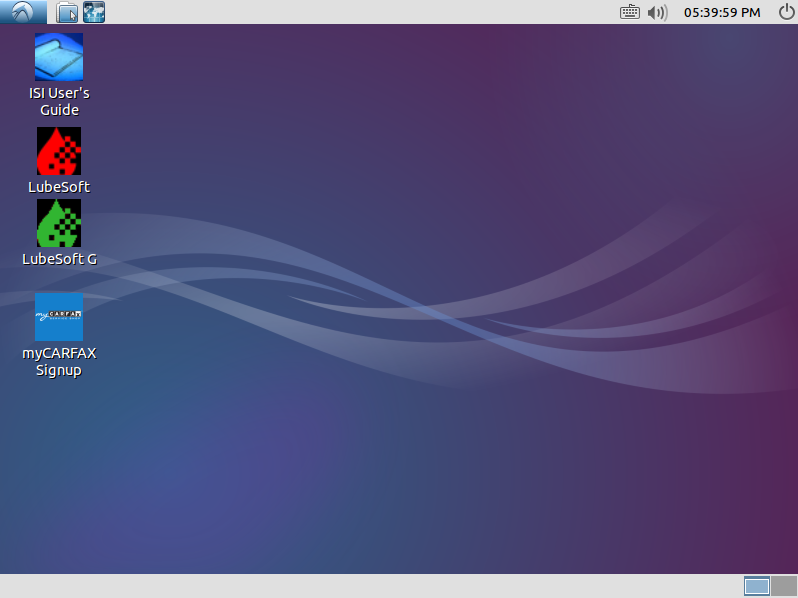
After successfully starting up the system, log in to use the LubeSoft interface.